Image Rotate
Master your visual orientation with our Online Image Rotator. Get perfect alignment with the #1 Best image rotate tool on Calcflow.net. Our professional engine allows you to rotate image online, flip photos, and adjust quality with 100% precision for any creative project.
Drop Image Here
or click to browse
⚙️ Rotation Controls
No image added yet
Drop an image or click Add Image🎯 Output Format
⚙️ Quality
Table of Contents
Toggle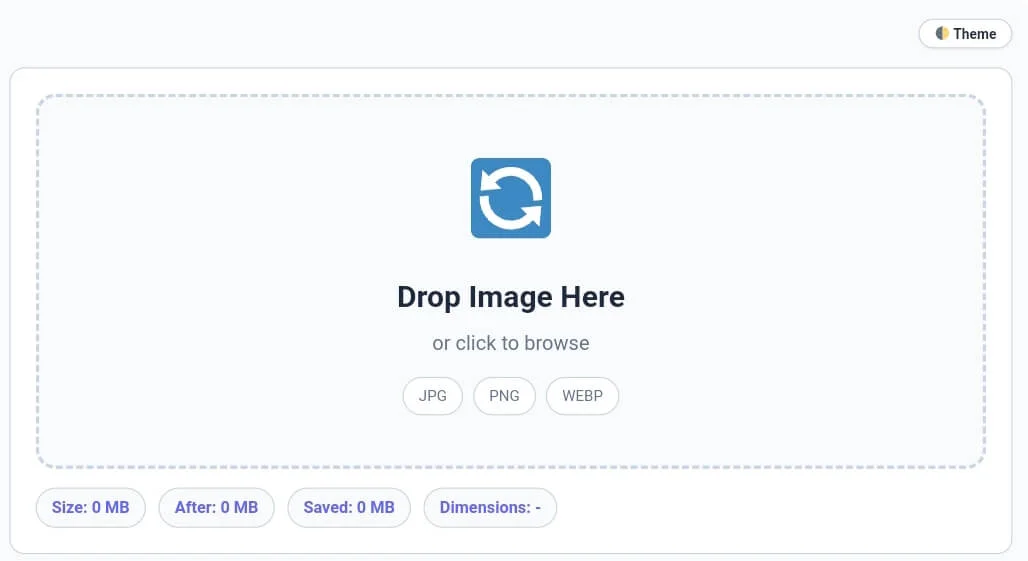
Why our Online Image Rotator is Essential for Designers
In the digital content industry, the correct orientation of an image can make or break a layout. Sometimes a photo is captured at the wrong angle, or you need to mirror a graphic for creative purposes. Our image rotate utility is a full-scale media utility engine designed to give you total control over the spatial positioning of your data. Unlike basic online apps that only offer 90-degree turns, this image rotate version provides a professional experience with custom angle support and a clean, ad-free interface for global users.
At Calcflow.net, we believe that utility should be coupled with deep data transparency. That is why our image rotate tool doesn’t just spin pixels; it provides a comprehensive audit of your file structure. Every action you take is reflected in our real-time statistics grid, helping you track file size changes and dimension variations. With its sleek UI and specialized sidebar modules, this tool is the perfect professional bridge between a simple flipper and an enterprise-level media suite.
Tip: To monitor your physical health while working on complex visual designs, use our [BMI Calculator] for accurate results.
How to Rotate Image Online & Flip Photos (Step-by-Step)
Our tool is designed for maximum efficiency without compromising on technical power. To get the most out of your image rotate session, follow these detailed steps:
Step 1: Image Upload and Initial Analysis
Start by dragging your file into the drop zone or clicking the “➕ Add Image” button in the toolbar. Our image rotate engine supports JPG, PNG, and WebP formats. As soon as you add an image, the stats bar instantly displays the Original Size, Dimensions, and Format. Monitoring these metrics is crucial for identifying the primary structure of your file before you start the transformation process.
Tip: If you need to remove duplicate filenames from your technical records, try our professional [Duplicate Remover] tool.
Tip: To shrink your file size significantly after rotation, use our high-precision [Image Compressor].
Step 2: Utilizing Rotation Presets and Custom Angles
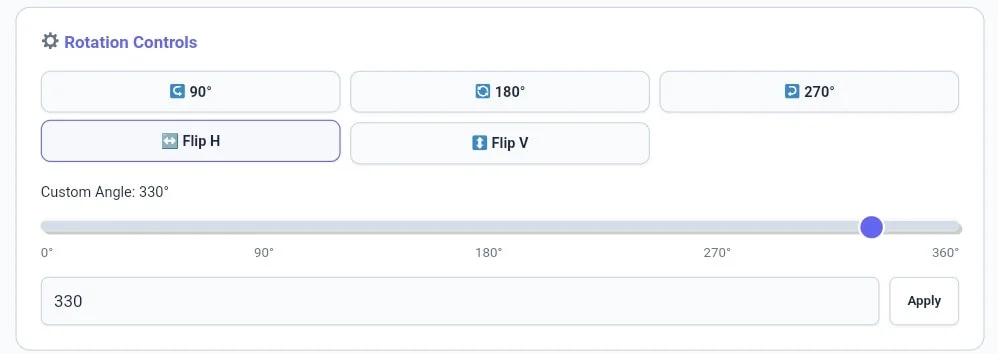
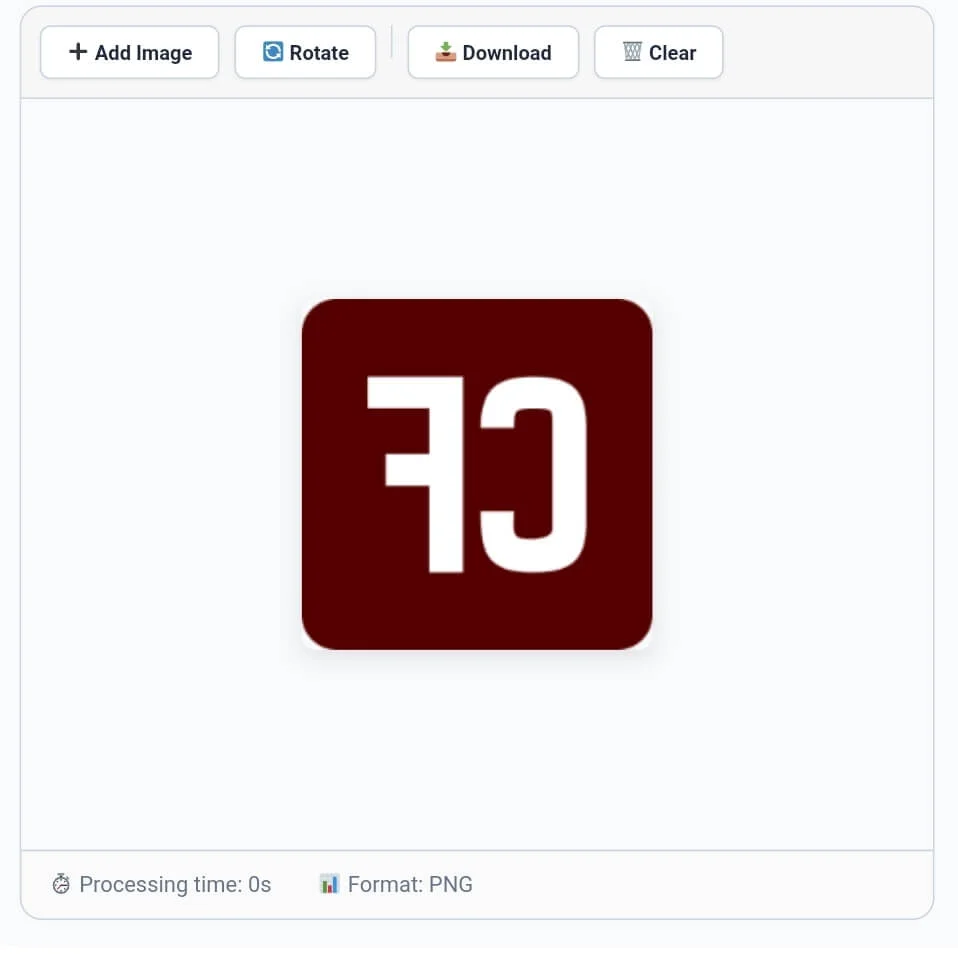
Once your image is loaded, use the Rotation Controls module. You can click on presets like 90°, 180°, or 270° for quick fixes. If you need a specific tilt, use the Custom Angle slider or enter a numerical value (0-360°) into the input box. Our image rotate engine also features Flip H and Flip V buttons for mirroring your graphics. This level of control ensures your image rotate result is exactly what your project requires.
Tip: For detailed word-level analysis of your image captions or metadata, try our specialized [Word Counter] tool.
Tip: To change the extension of your file while rotating, use our [Format Converter] instantly.
Step 3: Configuring Output Format and Quality
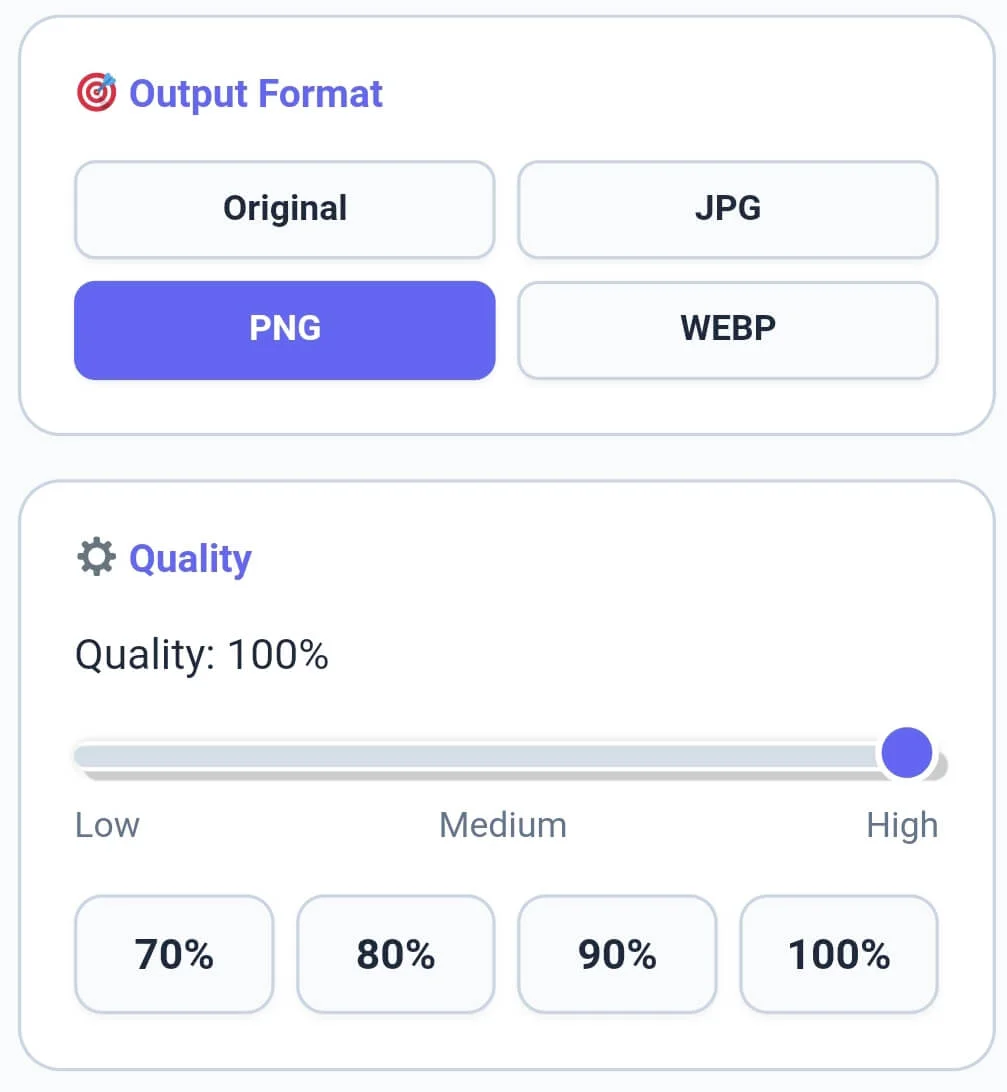
The sidebar is where you finalize the technical aspects of your file. Choose your target Output Format—you can keep the original or convert it to WEBP for better SEO. Use the Quality module to set the compression level; setting it to 90% or 100% ensures that your image rotate output remains sharp and professional. The real-time “Processing time” footer will tell you how fast the engine worked.
Tip: To check the exact character count for SEO image tags and descriptions, use our [Character Counter] utility.
Tip: To organize your image credits or metadata line by line, try our specialized [Line Counter] tool.
Step 4: Finalizing and Downloading the Result
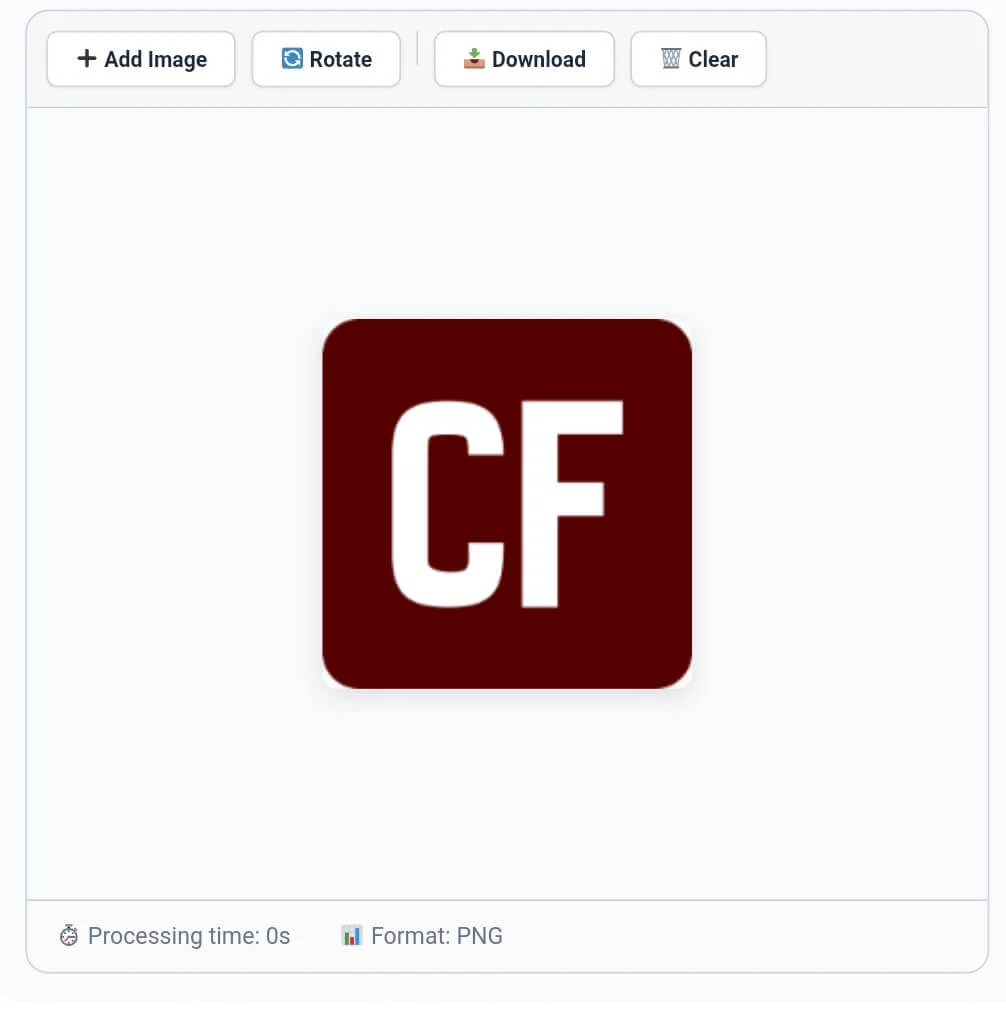
After applying your desired rotation or flip, review the result in the preview container. If you made a mistake, the Undo/Redo buttons in the toolbar let you revert changes in a split second. Once satisfied, click the “📥 Download” button to save the file to your device. Our image rotate tool generates a timestamped filename to help you keep your local storage organized.
Tip: To structure your documentation paragraphs perfectly for your image blogs, use our [Paragraph Counter].
Professional Comparison: Standard Tool vs. Calcflow
Most online tools only allow you to rotate in fixed 90-degree increments. Our image rotate converter provides a full suite of professional options for high-grade output.
Surgical Precision: Custom angle support from 1° to 360°.
Flipping Logic: Advanced horizontal and vertical mirroring.
Real-time Metrics: Live tracking of file size, saved MB, and dimensions.
Multi-Format Export: Switch extensions while rotating your images.
Privacy Centric: 100% browser-based processing with no server uploads.
| Feature | Standard Online Tool | Calcflow Image Rotate |
| Custom Angle Slider | ❌ No | ✅ Yes |
| Horizontal/Vertical Flip | ❌ No | ✅ Yes |
| Real-time Stats Grid | ❌ No | ✅ Yes |
| Format Conversion | ❌ No | ✅ Yes |
| Quality Control Presets | ❌ No | ✅ Yes |
| Undo/Redo Support | ❌ No | ✅ Yes |
| No Server Upload (Private) | ❌ No | ✅ Yes |
Tip: To change the case of your image filenames before batch renaming, use our [Text Case Converter].
Benefits for Designers, Photographers, and Developers
The image rotate utility on Calcflow is more than a simple rotator; it is a productivity tool for digital professionals:
Designers: Create mirrored artistic layouts or precisely tilted elements for banners.
Photographers: Fix horizon lines or incorrect camera orientations in seconds.
Developers: Sanitize and prepare image assets for web applications with exact dimensions.
SEO Experts: Optimize image orientation and format to improve user engagement metrics.
Tip: For unique artistic layout designs or flipped text for your captions, try our professional [Text Reverser] engine.
The Technical Logic of our Photo Rotator Encoding
Rotating an image is a mathematical process of re-mapping pixel coordinates across a 2D plane. Our image rotate engine uses the HTML5 Canvas API to perform these transformations without corrupting the character encoding of the image’s metadata. By utilizing high-speed local processing, we ensure that the logical order of color data is preserved even at complex angles. This level of technical control is why professionals choose Calcflow. To learn more about how digital devices handle orientation metadata, you can refer to the official Wikipedia guide on EXIF standards.
Tip: For secure communication or distress signals in your metadata, try our specialized [Text to Morse Code] tool.
Frequently Asked Questions (FAQs)
1. Can I rotate an image to a custom angle?
Yes! Unlike basic tools, our image rotate engine allows you to specify a custom angle from 0 to 360 degrees using the slider or by entering the exact number in the input box.
2. What is the difference between Rotate and Flip?
In this image rotate tool, “Rotate” turns the image around a center point, while “Flip” creates a mirrored version of the image either horizontally or vertically.
3. Is my private image data secure on Calcflow?
Absolutely. All processing in our image rotate tool happens locally in your browser via JavaScript. We never store or upload your private photos to our servers, ensuring 100% privacy.
4. Why should I use the "Maintain" aspect ratio feature?
In our image rotate and format tools, maintaining the aspect ratio ensures that your images do not look stretched or compressed when you apply new dimensions.
5. Can I change the file format while rotating?
Yes! Use the “Output Format” module in the sidebar of the image rotate tool to select between JPG, PNG, or WEBP before you download your final result.
6. Does this tool support Dark Mode?
Yes, click the “Theme” button in the top right corner. This reduces eye strain while you manage technical visual assets in our professional image rotate suite.
Tip: For advanced data handling, you can convert your technical tags into binary with our [Text to Binary] tool or decode them using [Binary to Text] instantly.
Tip: To secure your personal folders and sensitive image logs, use our [Password Generator] to create unhackable keys.
Conclusion: The Professional Choice for Image Alignment
The image rotate engine on Calcflow.net stands as the most comprehensive media manipulation tool available online. By combining real-time metrics with advanced custom angles and flipping options, we have built a platform that caters to both creative and technical minds. Stop struggling with limited editors and let our professional tool handle the heavy lifting for you. Whether you need to rotate image online for a website or use our flip image online feature for artistic layouts, Calcflow is the fastest solution.